
Availability: Low stock: 100 left
Couldn't load pickup availability
⚠️ Please confirm the price before placing the order due to fluctuations in the value of the dollar.
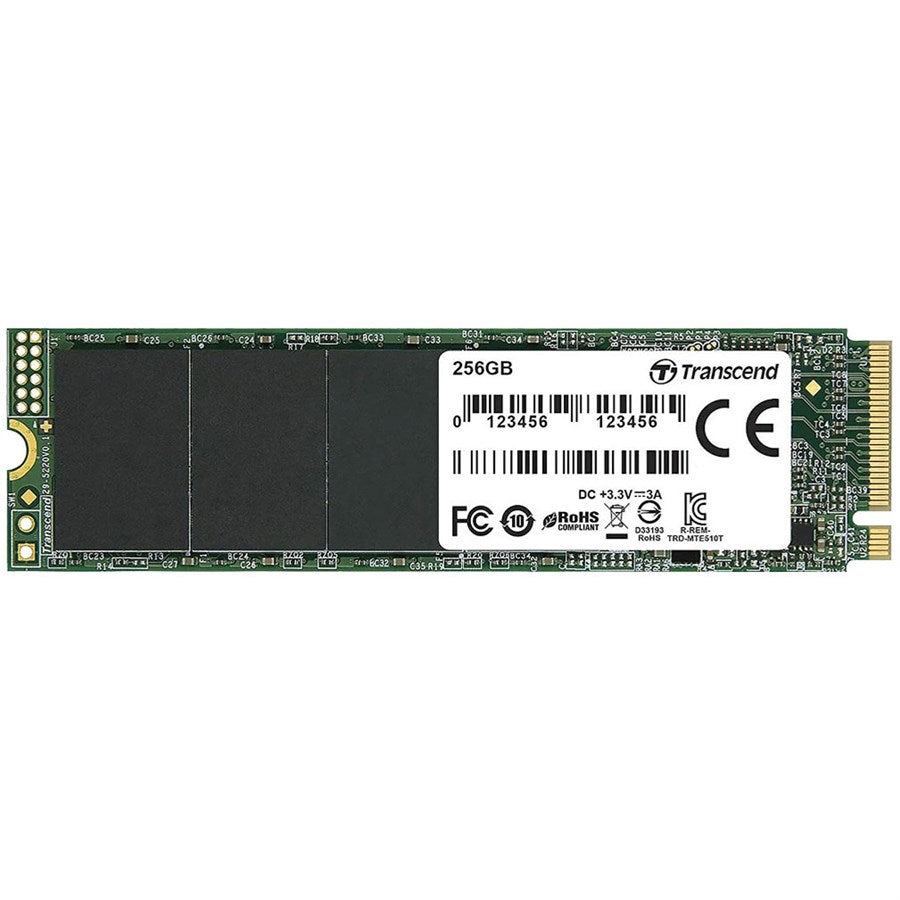
Upgrade your compatible desktop or laptop with a 256GB NVMe M.2 SSD for fast boot times, quicker application loading and responsive everyday performance. Using the PCIe/NVMe interface, it’s an excellent storage upgrade for gaming PCs, office systems and laptops.
Boost your system performance with a 256GB NVMe M.2 SSD, combining fast solid-state storage with a compact M.2 form factor.
Unlike SATA-based SSDs, an NVMe SSD communicates through PCIe, allowing compatible drives and systems to achieve higher storage performance than conventional SATA storage.
With 256GB capacity, this drive is ideal for installing Windows, essential applications, productivity software and selected games. It provides a practical balance between affordability, speed and usable storage space.
The compact M.2 design installs directly into a compatible motherboard or laptop slot without requiring traditional SATA data and power cables.
Whether you’re upgrading an older system or completing a budget gaming PC, a 256GB NVMe SSD can deliver a noticeably faster and more responsive computing experience.
• 256GB Storage Capacity
• NVMe Solid State Drive
• M.2 Form Factor
• PCIe Interface
• Fast Windows boot times
• Quick application loading
• Responsive file access
• Compact cable-free installation
• Suitable for compatible desktops and laptops
• Great for gaming and productivity PCs
• Excellent upgrade from HDD or SATA storage
Product: NVMe Solid State Drive
Capacity: 256GB
Storage Type: SSD
Form Factor: M.2
Interface: PCIe / NVMe
Brand: May vary according to stock
Model: May vary according to stock
Read Speed: Varies by model
Write Speed: Varies by model
PCIe Generation: Varies by model
Use Case: Gaming, Windows, Office, Laptop & PC Upgrade
A 256GB NVMe SSD is an excellent option for a fast operating-system drive.
It can provide:
• Fast Windows startup
• Quick application launches
• Responsive everyday computing
• Faster file transfers compared with traditional HDD storage
• Reduced loading times in supported workloads
For gaming systems with larger game libraries, consider using this NVMe SSD for Windows and frequently used applications while adding a larger SSD or HDD for additional storage.
Your motherboard or laptop must support PCIe/NVMe M.2 SSDs.
An M.2 slot does not automatically guarantee NVMe compatibility because some systems only support SATA-based M.2 drives.
Also check the supported M.2 drive size and PCIe generation of your system before purchasing.

 Order on WhatsApp